
Summer offer, ends 28 February
Get your place summer ready.
Your first month’s on us.
Use code SUMMER for a free month of Jib Home Owner. Plan every summer job, price the shopping list and see it finished before you start.
The App Store opens with the code filled in. No Jib yet? It offers to download it.
Then open Jib, go to Settings, tap Have a code? and paste it.
Scan the code below with your phone and it does the rest.
Free for one month, then A$4.99 a month. Cancel any time before it ends and you pay nothing.
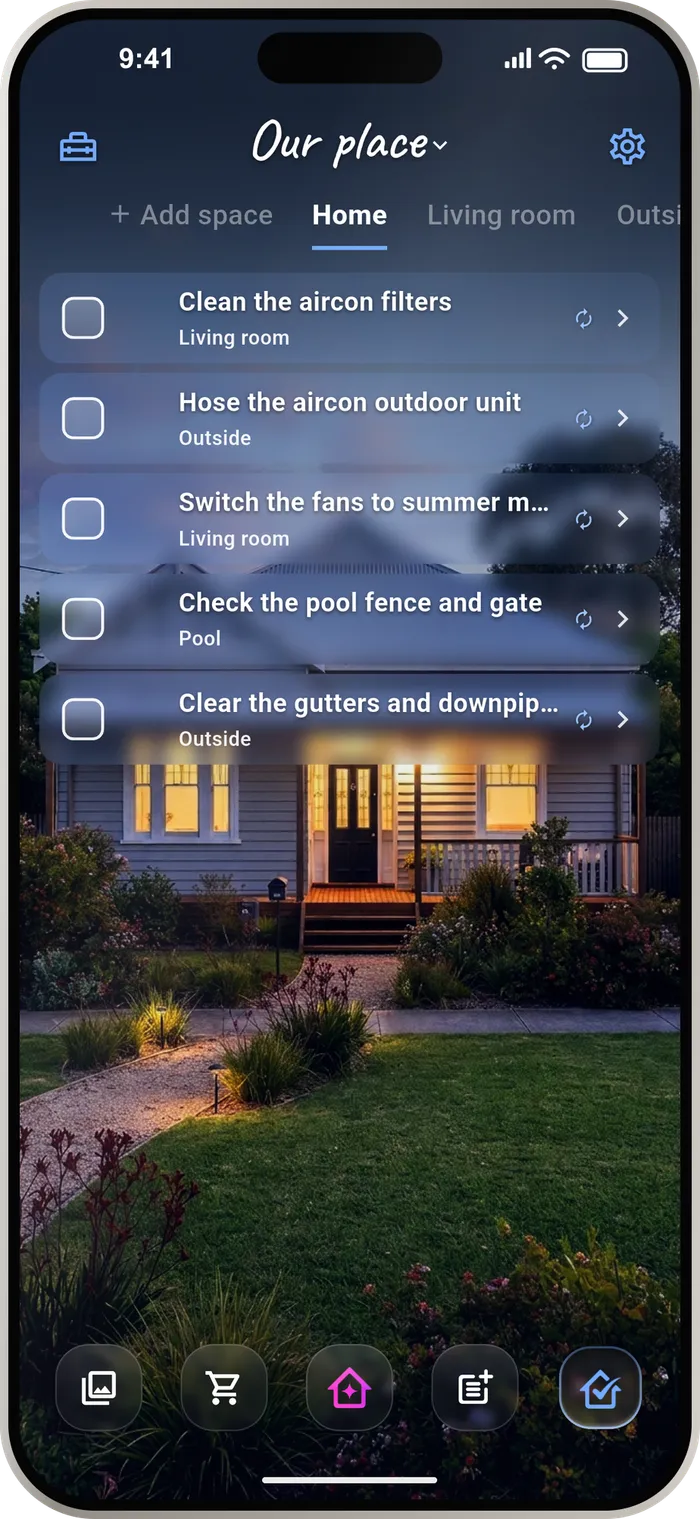
Your code
SUMMER
How to use it
On iPhone
- On your iPhone, tap Redeem SUMMER. The App Store opens with the code filled in.
- Tap Redeem, then confirm the free month with Face ID.
- Open Jib. Home Owner is switched on, with 60 credits ready.
Already in the app? Settings, then Redeem an App Store code, and enter SUMMER. Get Jib on the App Store
On Android
- Get Jib on Google Play and open it.
- Go to Settings and tap Have a code?
- Enter SUMMER and confirm the free month with Google Play.
You can do it any time before 28 February 2027.
On a computer? Scan this with your phone camera. This page opens on your phone with the right button for it.
A month of Home Owner
AI credits for the month, six times the free plan.
Any job from one photo: the steps, the time, what it costs and whether it needs a licensed tradie.
A shopping list with prices from Australian stores, ticked off as you go.
See it finished before you spend a cent, drawn by Jib AI.
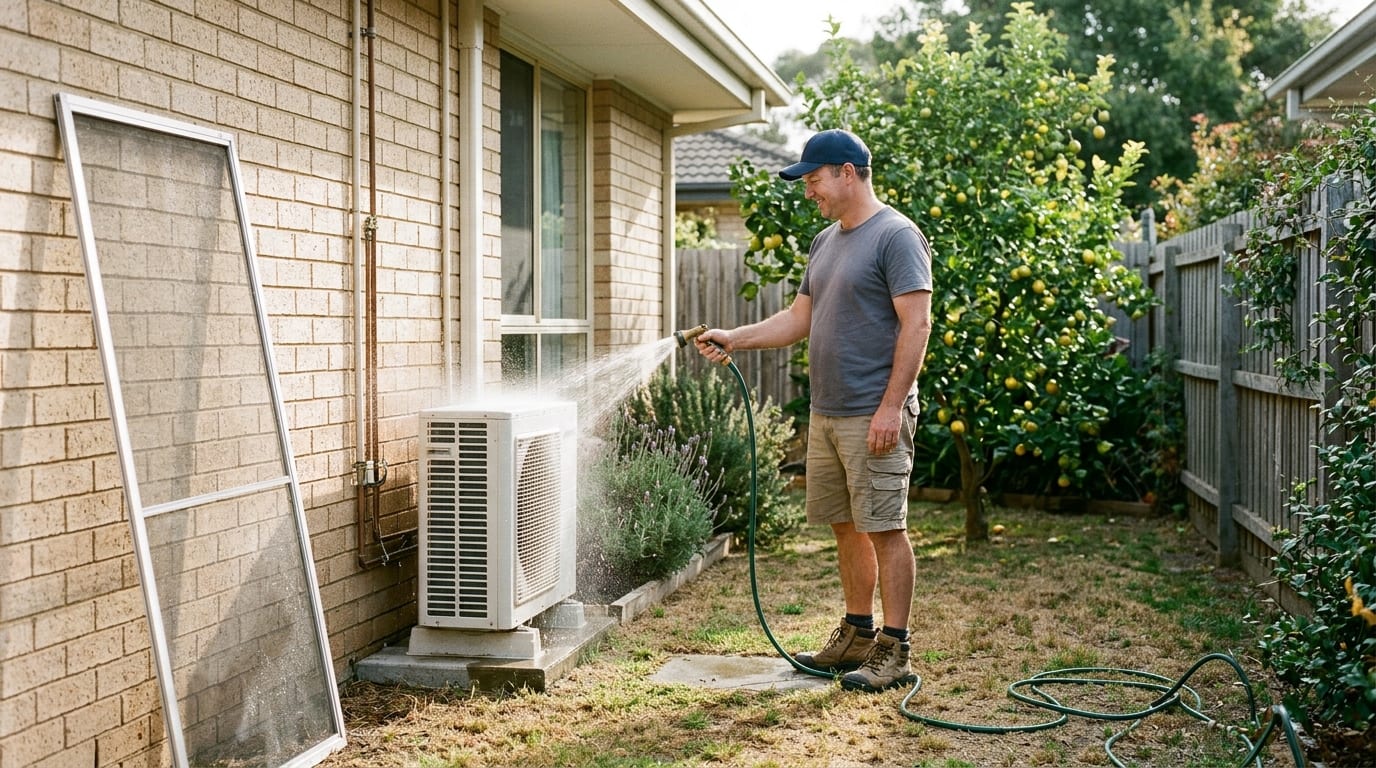
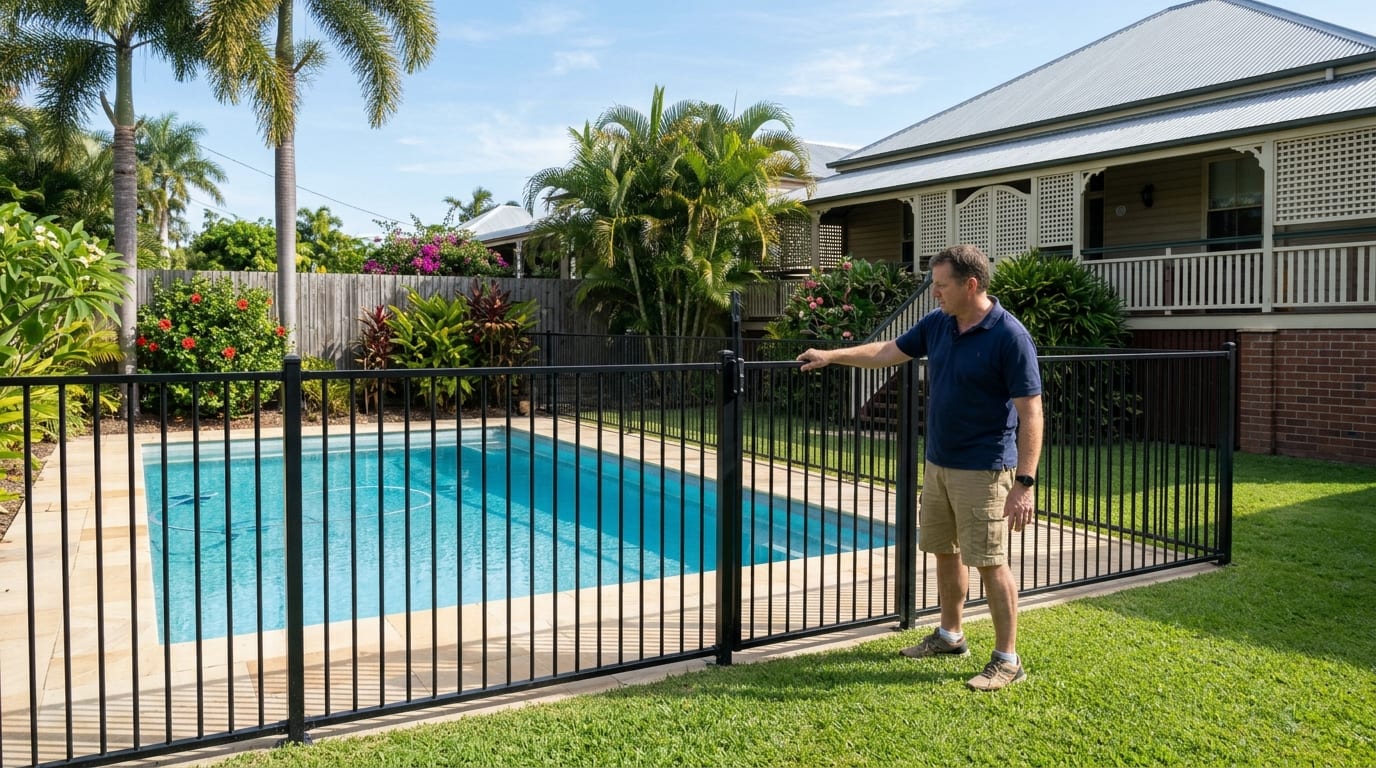
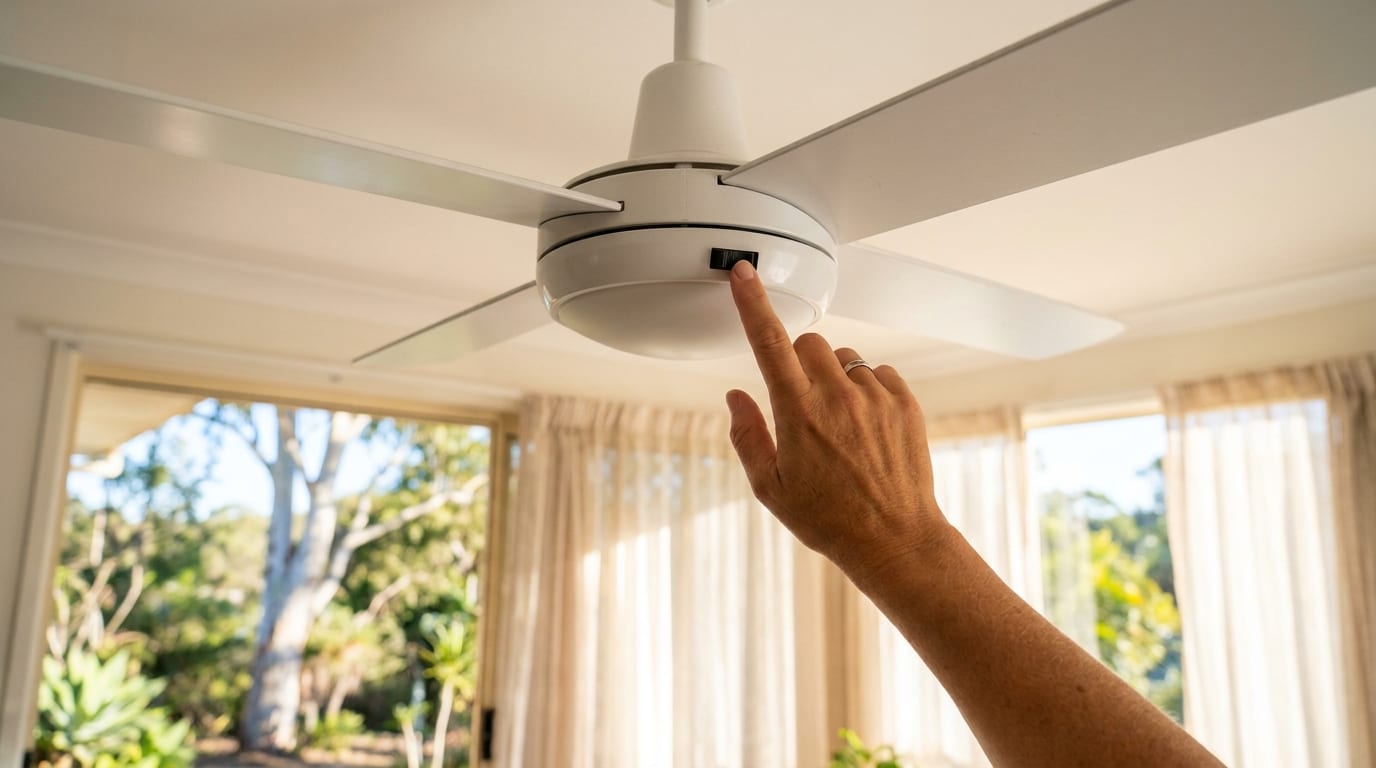
Summer jobs worth planning

Good to know
What do I get?
One month of Jib Home Owner: 60 AI credits to plan jobs, build shopping lists with prices and see a room finished before you start. The free plan has 10 credits a month.
What happens after the month?
Home Owner carries on at A$4.99 a month. Cancel any time before the free month ends and you pay nothing. You cancel in the App Store or Google Play, like any subscription.
Do I need a card?
Yes. Apple and Google ask for a payment method to start any free month, but nothing is charged until it ends.
Who can use it?
Anyone on the free plan, including people whose paid plan has ended. One free month per account.
Why can’t I type the code in the app on my iPhone?
Apple only lets apps take its own codes, so on iPhone the code is redeemed by the App Store. The button on this page opens it with SUMMER already filled in. In the app it’s Settings, then Redeem an App Store code.
When does it end?
28 February 2027, or sooner once 1,000 people have used it.
Your home, sorted for summer.
Free for one month, then A$4.99 a month. Ends 28 February 2027 or after the first 1,000 people.