Summer offer: a free month of Jib with codeFree month of Jib, code SUMMERGet it

Your home, sorted.

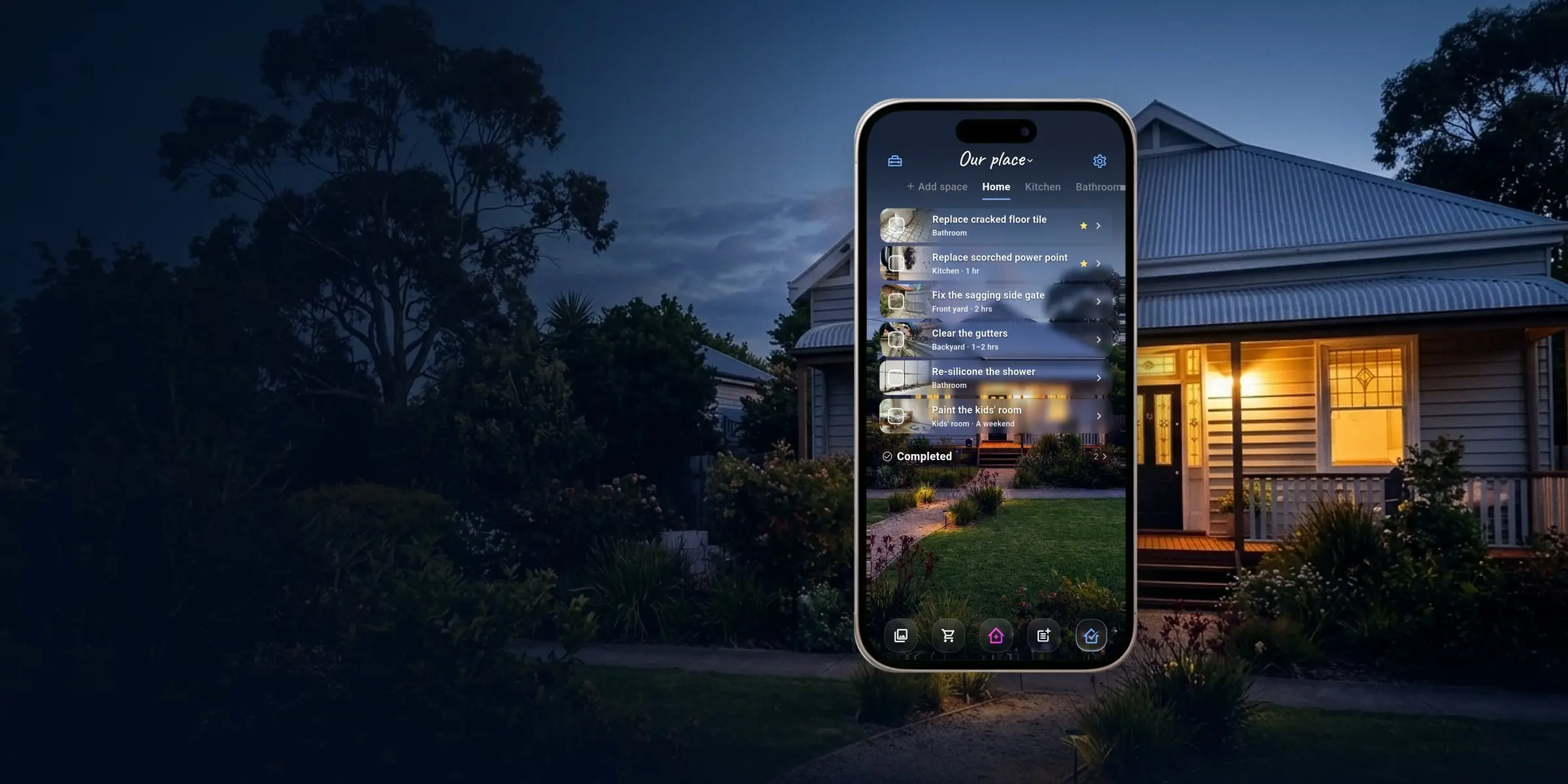
Snap a photo of any job around the house. Jib’s AI plans the lot: the steps, the shopping list, the cost, and whether it’s safe to DIY.

5.0 on the App StoreMade for Australian homes

Inside the app

From “that needs fixing” to done.

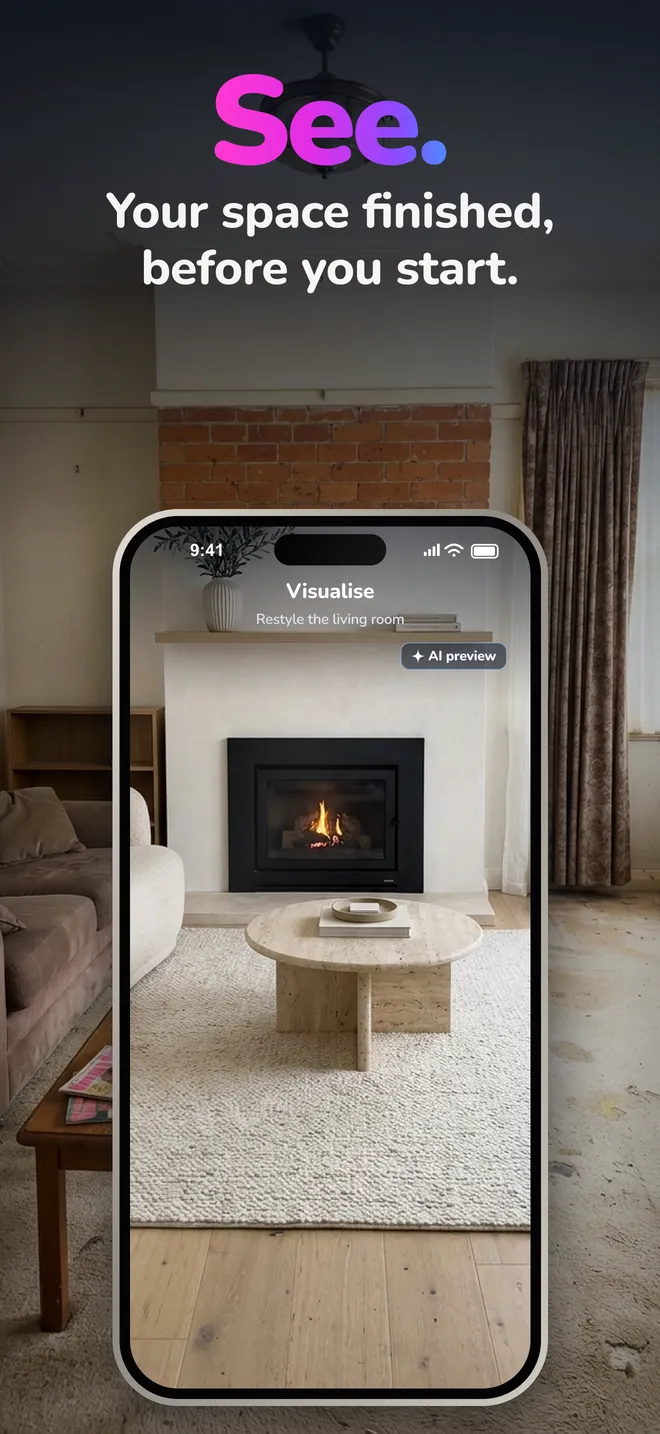
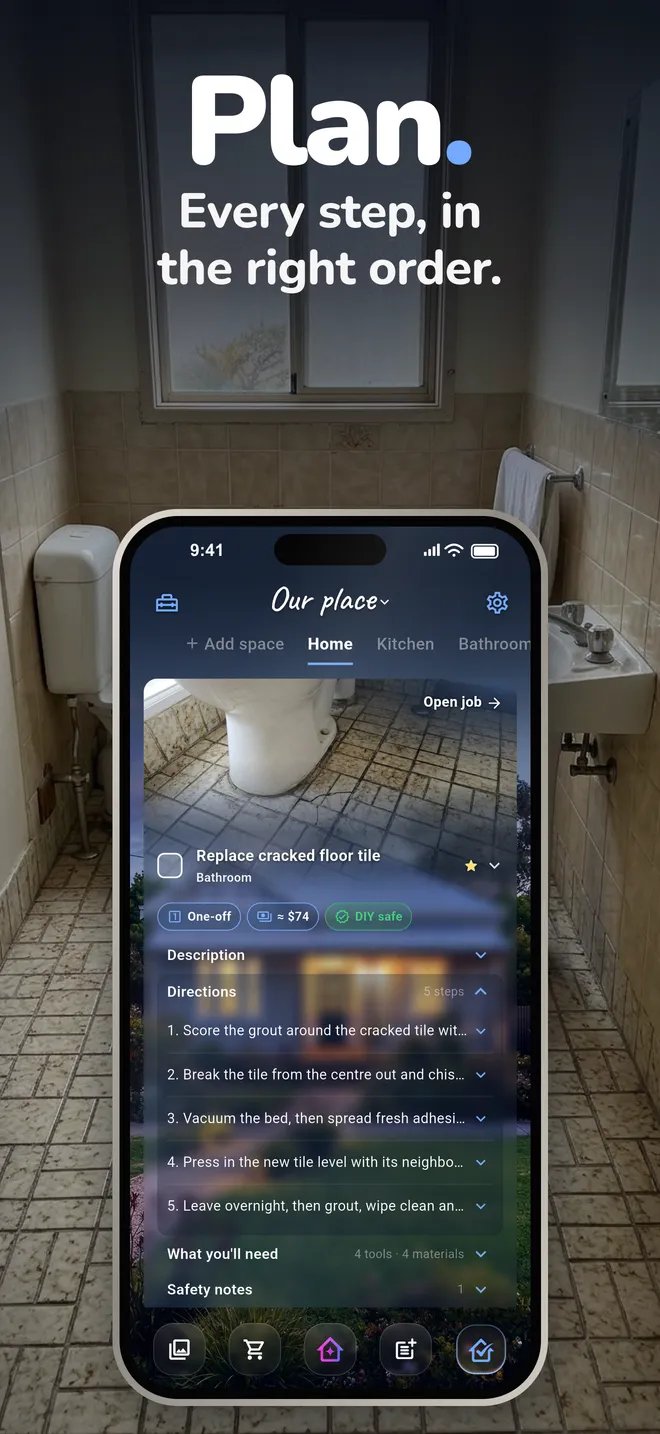
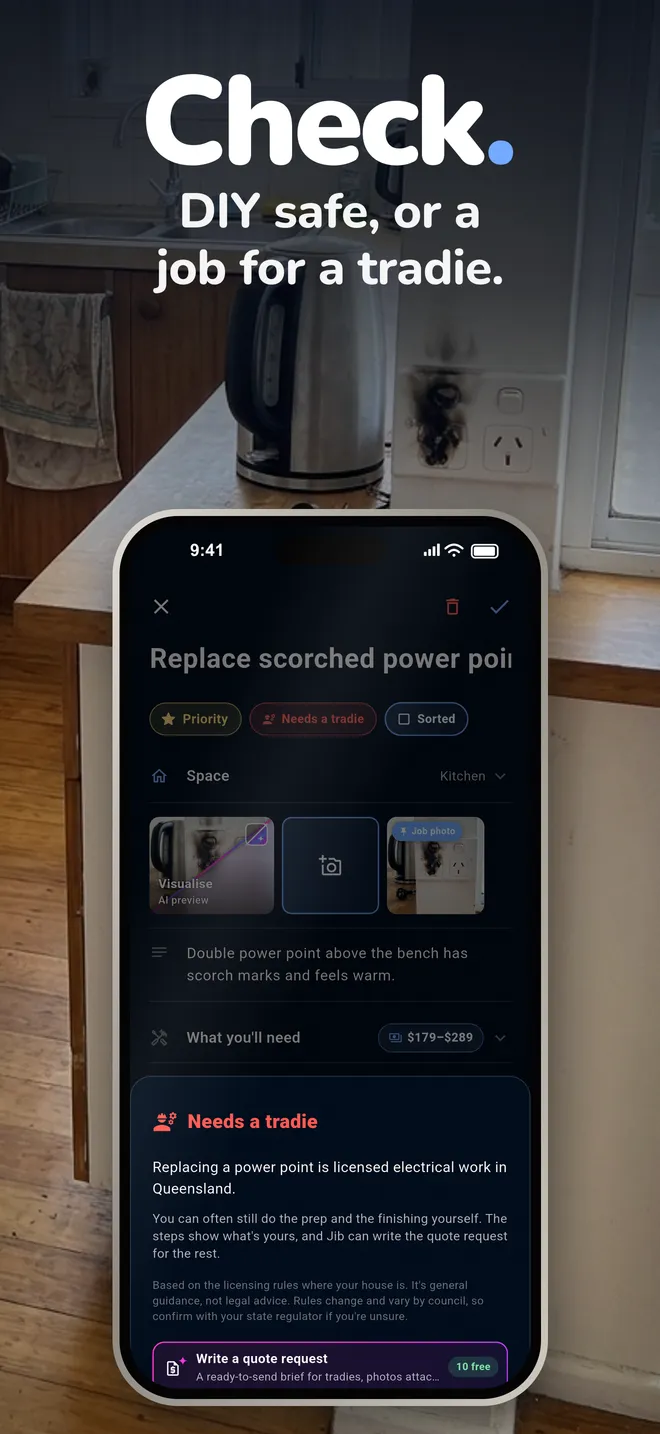
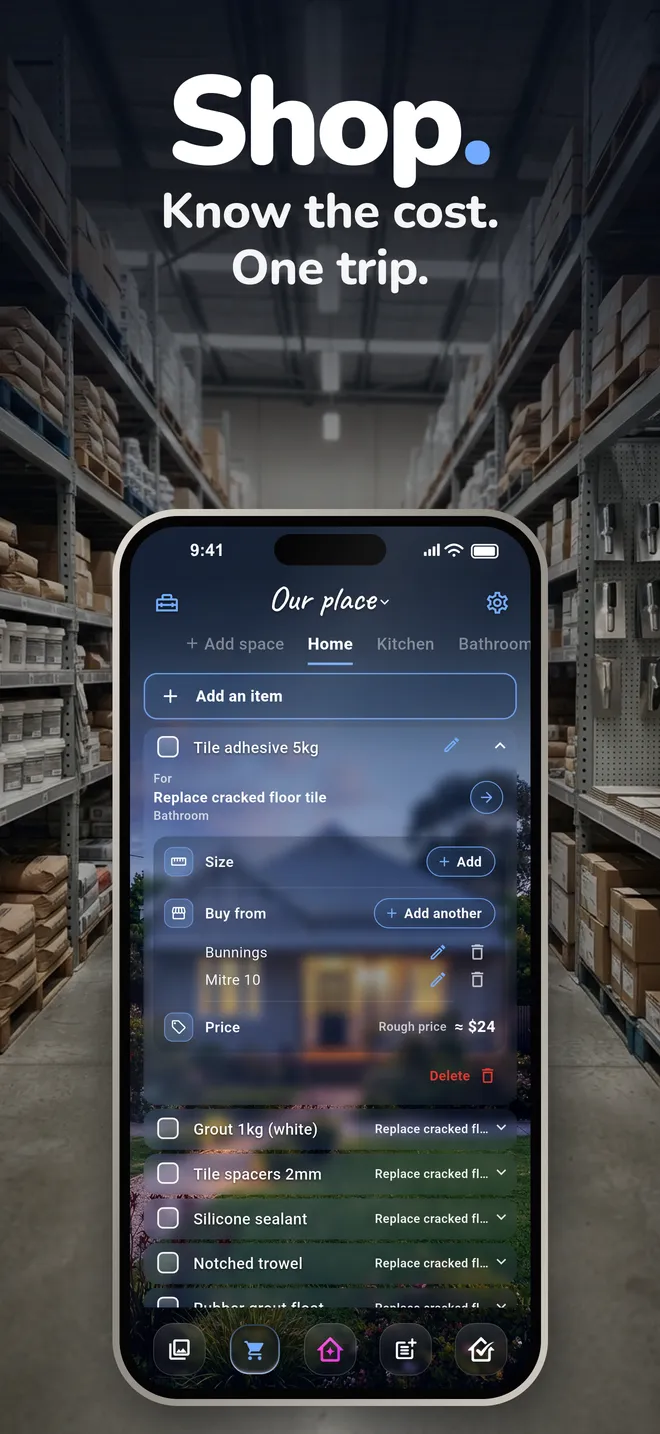
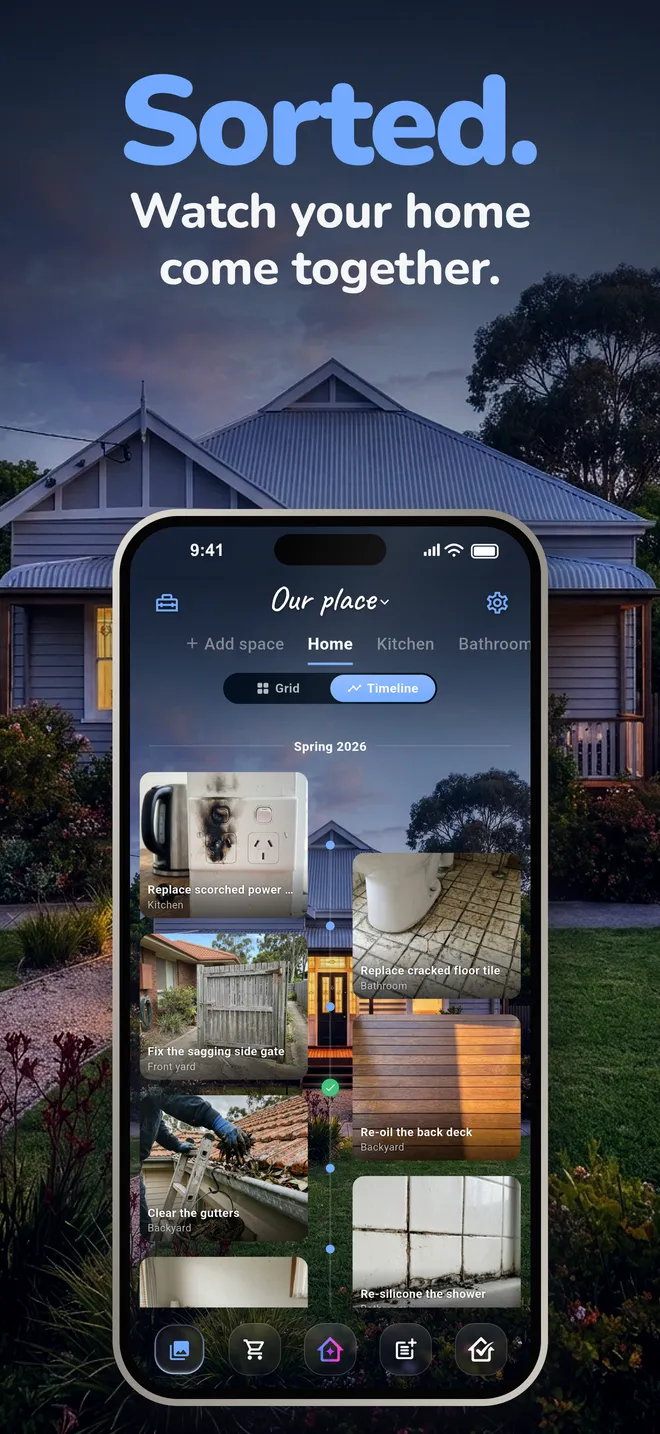
Jib app: see your space finished before you startJib app: every step, in the right orderJib app: DIY safe or a job for a tradieJib app: know the cost, one tripJib app: watch your home come together

Everything in one app

What Jib does

See everything Jib does →

How it works

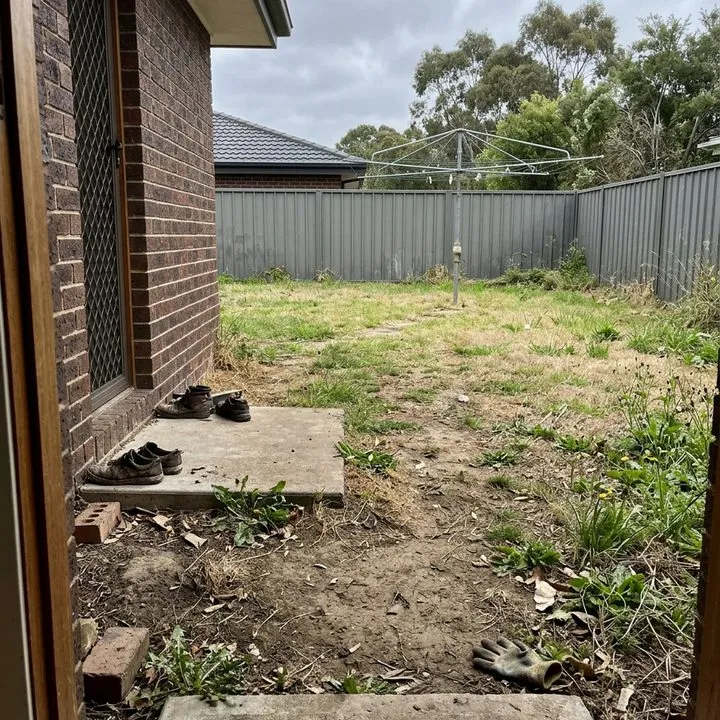
One photo in. A finished yard out.

  1. A phone photo of a bare dirt patch outside a back doorYour photo
    1Snap itSee something that needs doing? Take a photo and get on with your day.
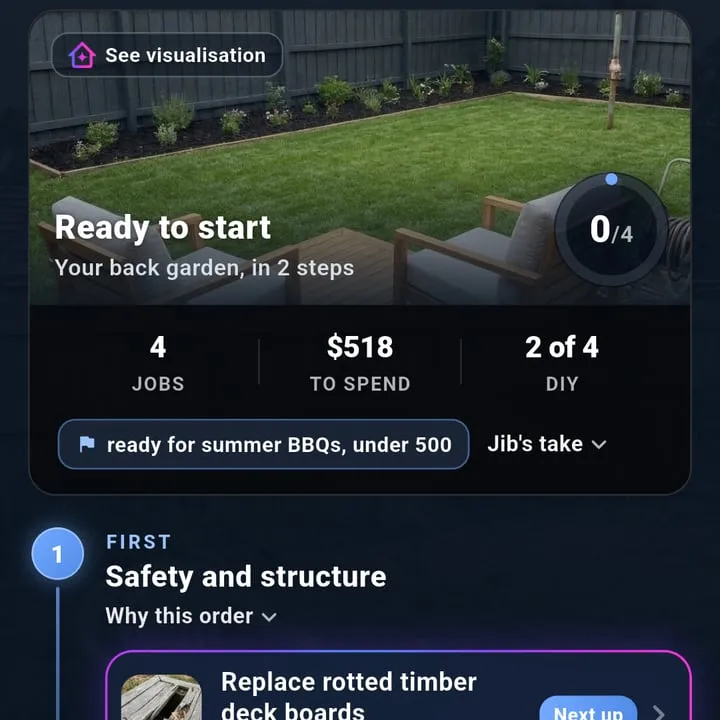
  2. Jib's plan for a back garden: 4 jobs, $681 to spend, the first phase Safety and structureJib's plan
    2Jib plans itThe steps, materials, cost and a DIY-or-tradie verdict, written for your house.
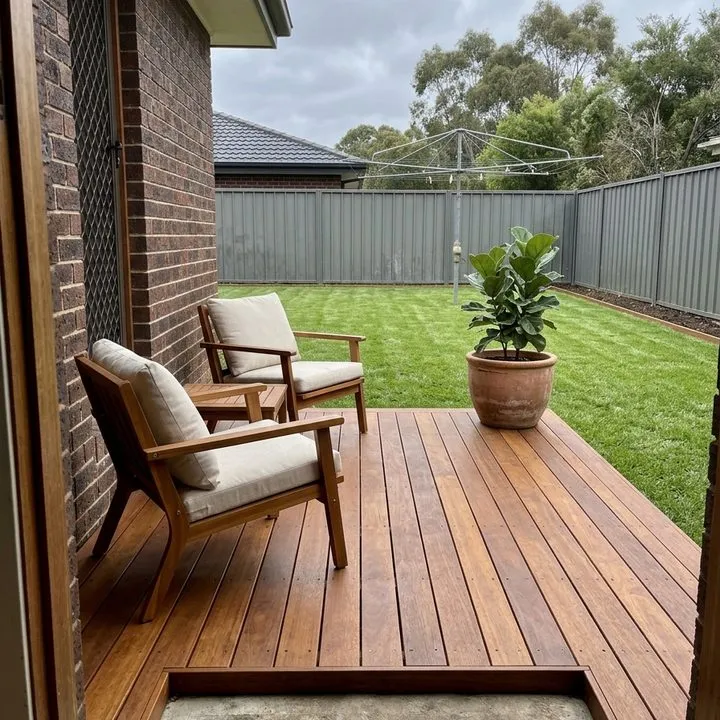
  3. The same back door with a new timber deck, chairs and a green lawn, pictured by Jib's AI✦ AI preview
    3See it, then do itSee it finished before you start, then pick a weekend and everything’s on one list.
Get Jib freeiPhone and Android

5.0 on the App StoreFree to download, with a 7-day free trial of every AI feature

Get Jib freeiPhone & Android

Made by a parent with no spare time

Built for the way busy homes actually work.

Free tool

DIY or tradie? Check your state’s rules.

Pick the job. We’ll tell you if you can legally do it yourself, if it needs a licence or a certificate, and link the regulator that says so.

Change a tap washer✓ DIY safe in every stateReplace a power point⚠ Licensed electrician onlyBuild a low garden deck✓ Usually DIY, check your councilMove the shower waste⚠ Licensed plumber onlyOpen the DIY checker →

Guides

Straight answers for real jobs

Questions

Is Jib free?

Jib is free to download, and you can track jobs, rooms, reminders and photos for free. The AI features, turning a photo into a full plan, materials list and cost estimate, and asking follow-up questions, are part of Jib’s paid plans, which come with a 7-day free trial.

Does Jib tell me if a job is legal to DIY?

Yes. On Jib’s paid plans, every job gets a corner flag: DIY safe (green) or needs a tradie (red), based on the licensing rules where your house is, with the exact step that needs a licence. It’s general guidance, not legal advice: always confirm with your state regulator or council. Our free DIY legality checker shows the rules for common jobs by state, with links to the regulator.

What is the AI tool inventory?

Photograph your garage, shed or a hardware receipt and Jib lists every tool it can see. After that, every job you plan checks your inventory, ticks off the tools you already own, and asks before adding any you’re missing to your shopping list. The AI tool inventory is part of Jib’s paid plans.

Is Jib only for Australia?

No. Jib works anywhere and supports AUD, USD, GBP, EUR, NZD and CAD. Our guides start with Australian rules because they vary so much between states, with UK and New Zealand guides alongside.

What phones does Jib run on?

iPhone (App Store) and Android (Google Play).

Your home, sorted.

The ultimate home planner, with AI.

Get Jib freeiPhone and Android

5.0 on the App Store

Get Jib on your phone

Scan with your phone camera, it opens the right store for your phone.

Download on theApp StoreGet it onGoogle Play