
Never come home from the hardware store with half your list again
Short answer
Jib builds your hardware shopping list for you. Each job you snap gets an AI-written materials list with quantities and where to buy them, and every job's list rolls into one shopping list, grouped by store or by job, so you can see what each item is for. Tools you don't own can be added with a tap, and ticking one off moves it into your Toolbox. In the aisle, open the list and tick as you go.
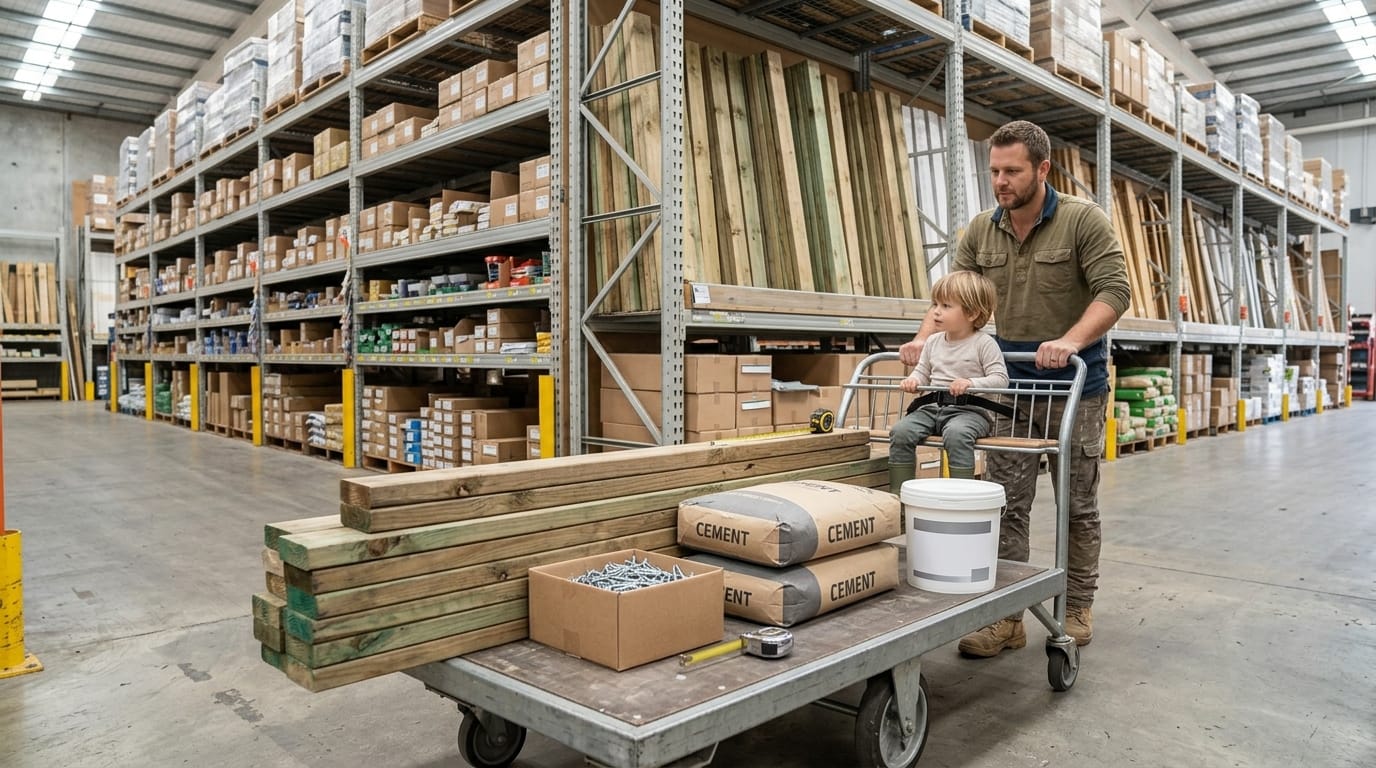
You know the trip. There are ten jobs around the house, each needing a few things: a tap washer, a tube of silicone, some sandpaper, the right screws for the gate. You get to Bunnings with a toddler in the trolley, and the list is… somewhere. Half of it’s in your head, some is in a text to yourself, and one item is on the back of a receipt in the car. You wander the aisles, buy three things, and remember the rest on the drive home.
That’s the problem Jib’s shopping list was built to fix.
How the list writes itself
- Snap the job. Take a photo of the dripping tap, the cracked tile, the sagging gate.
- The AI writes the materials. Each job gets its own materials list, with quantities and where to buy them, based on what it can see and where you live. (See how photo-to-plan works.)
- Every job’s list merges into one. Materials from all your jobs land on a single shopping list automatically.
- Missing tools join in. If a job needs a tool that isn’t in your AI Toolbox, Jib asks before adding it to the list.
- Open it in the aisle. Tick things off as they go in the trolley.
Know what every item is for
The bit that makes it work in a real hardware store: every item shows which job it’s for. “Silicone, for: re-seal the shower, Bathroom.” “Galvanised hinges, for: fix the side gate, Backyard.” No more standing in the aisle wondering why you wrote “M8 × 60” on your hand.
You can view the list two ways:
| View | Best for |
|---|---|
| By store | Walking the aisles: everything for Bunnings together, everything from the landscape supplier together, tools to buy in their own group |
| By job | Deciding what to prioritise: see exactly what each job needs, and buy for the ones you’ll do this weekend |
Buy once, never twice
- Tick a tool off, it goes in your Toolbox. Next time a job needs it, Jib knows you own it.
- Bought items stay out of the way. They drop to a collapsed “Bought” section instead of cluttering the list.
- Add anything by hand. Light globes, batteries, a new doormat: add general items too.
- Edit quantities and items. It’s your list; change anything.
Tips for a trip that gets everything
- Snap before you shop. A photo of the old part (the tap cartridge, the hinge, the light globe base) beats any description at the counter. Jib keeps it with the job.
- Measure first. For anything cut to size, add the measurements to the job before you go.
- Check the Toolbox. Borrowing a neighbour’s drill is cheaper than buying one you’ll use once.
- Batch by store. Use “by store” view so one trip covers everything from one place.
- Plan quantities properly. For bigger jobs, use our calculators, like the bathroom floor calculator, or the materials guides.
On your computer too
Add items any time, check what’s needed for which job, and have the list in your pocket when you walk into the store.
Frequently asked questions
Does it work with Bunnings? The list isn’t tied to one retailer. The AI suggests where to buy each item based on what it is. Bunnings, a plumbing supplier, a landscape yard, and you can change any of them.
Can I share the list? The list lives in your Jib account and syncs across your devices.
Is the shopping list free? Adding items yourself is free. AI-generated materials lists are part of Jib’s paid plans, which come with a free trial.
This guide is general information, not legal or professional advice. Rules differ between states, councils and individual properties, and they change. Confirm with your state regulator or council before starting work, and if in doubt, get a licensed tradesperson.